
 pl
pl  tr
tr  es
es  pt
pt  mn
mn  es
es  pt
pt KeyDrop Case Battles: How CS2 Battles Work in 2026
 Join a Case Battle
What Are KeyDrop Case Battles?
KeyDrop Case Battles let users compete with other participants by opening the same set of cases within a battle. A battle can include multiple rounds, with our current rules allowing up to 50.
The selected cases open for each participant during the battle. Their results are then combined, and the chosen battle mode determines who wins and how the winnings are distributed.
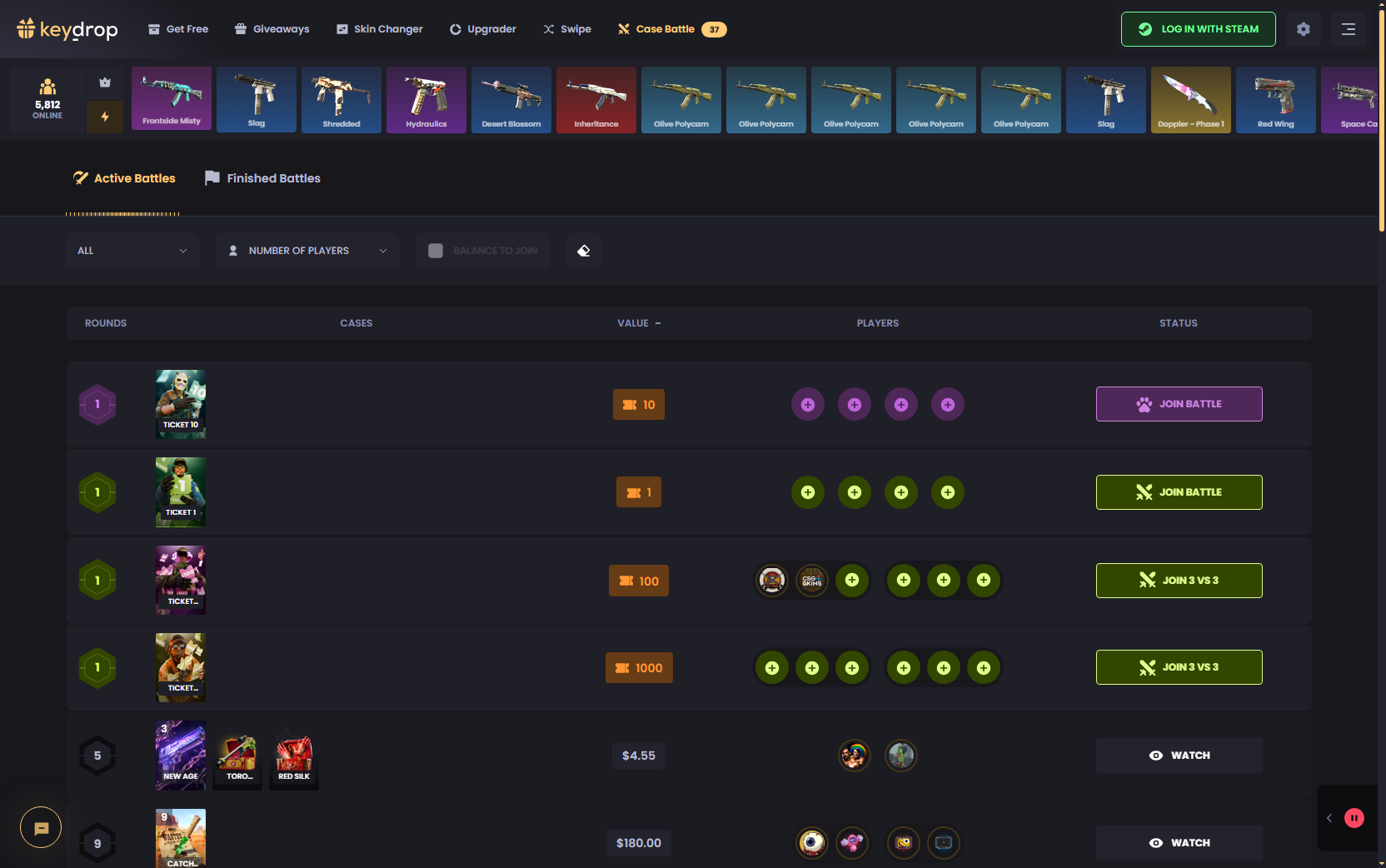
This works differently from opening a standard case individually. Free Battles are also separate from regular Case Battles and follow their own bonus rules, while Daily Cases covered under KeyDrop free cases follow a separate system.
How to Join or Create a Case Battle
Users can either join a battle that is already available or create one with their own setup.
To join an existing battle
- Open the Case Battle section. Browse the battles currently available on the platform.
- Choose a battle. Review its cases, format, mode, and cost before joining.
- Select an open place. Pick one of the available participant positions.
- Join the battle. Once the place is confirmed, the participation cost is deducted from the account balance.
Users can also create a battle:
- Open Create Battle. This opens the battle creation panel.
- Choose the cases. Select which cases will be included.
- Set the battle options. Choose from the formats, modes, and other settings available.
- Choose public or private access. A Private Battle can be shared through an invitation link.
- Create the battle. The creator joins automatically, and the required amount is deducted from the balance.
The selected cases and settings determine the final battle structure and cost.
Battle Modes, Formats, and Settings
Our platform supports two main battle modes: Classic and Underdog. Both are available with the documented 1v1, 2v2, and 3v3 formats.
In individual battles, users compete directly against each other. Team formats combine the results of each team’s members, while the selected mode determines whether the higher or lower total wins.
Private Battles work differently from public battles only in how users access them. They do not appear in the public active-battle list and can instead be joined through an invitation link shared by the creator.
| Mode / Format / Setting | How It Works |
|---|---|
| Classic | The highest total skin value wins |
| Underdog | The lowest total skin value wins |
| 1v1 | Two participants compete against each other |
| 2v2 | Two teams of two compete |
| 3v3 | Two teams of three compete |
| Private Battle | Users join through an invitation link rather than the public battle list |
How Is a KeyDrop Case Battle Winner Determined?
The winner of a KeyDrop case battle depends on the mode selected before it begins.
In Classic mode, the participant or team with the highest total value of opened skins wins. Underdog reverses that rule: the lowest total value wins.
For team battles, the results of all team members are combined. If the team wins, the winnings are divided among its members according to the battle rules.
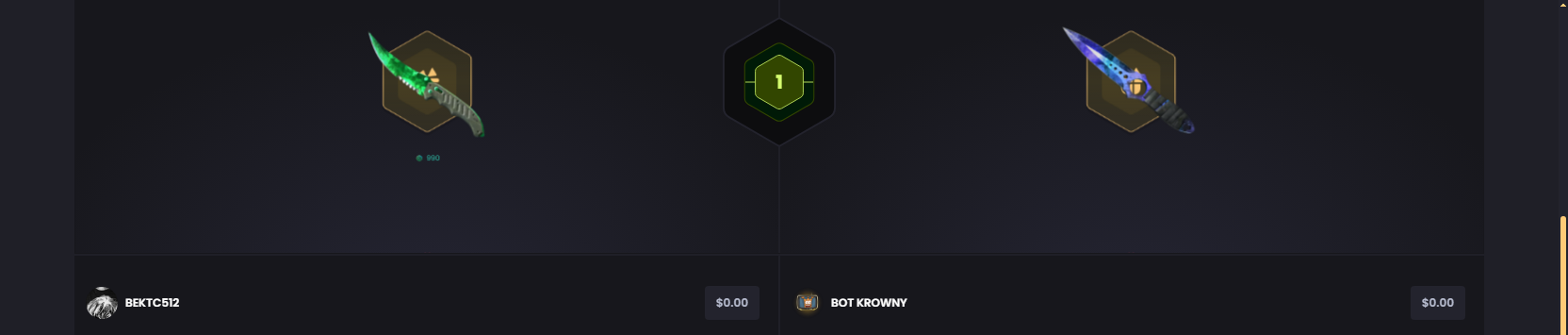
If participants finish with the same total skin value, our Case Battle rules use the total Provably Fair roll value as the tiebreaker. The higher roll wins in Classic mode, while the lower roll wins in Underdog mode.
How Does Borrow Mode Work?
Borrow Mode lets users join or create an eligible battle without covering its full value themselves. We currently allow users to borrow up to 90% of the battle value.
The amount borrowed affects the potential reward. For example:
- Borrow 50% of the battle value, and the user’s share of a winning reward is reduced to 50%.
- Borrow 70%, and the user’s share is reduced to 30%.
Borrow Mode can be selected when joining or creating an eligible battle. It reduces the amount the user needs to cover upfront, but it does not make the battle free.
What Happens After a Battle Ends?
What happens next depends on the battle result and its settings:
- If you win. The skins awarded from the battle are automatically added to your KeyDrop inventory.
- If you lose. Some battles may include cashback as a skin or a voucher for use on our platform.
- If the battle is canceled. A battle with only one participant can be canceled before it starts, in which case the participation funds are returned to the account balance.
Once won skins reach the inventory, users can manage them separately or use eligible items in features such as KeyDrop Upgrader. What they do afterward does not affect the completed battle result.
Case Battles vs Standard Case Opening
Case Battles involve competing against other participants, while standard case opening is an individual activity. In a battle, the cases are part of a preset setup and the final result follows the selected battle mode. With a standard opening, users choose a case directly and receive the result of their own opening.
| Feature | Case Battles | Standard Case Opening |
|---|---|---|
| Format | Compete against other participants | Open a case individually |
| Cases | Included in the selected battle | Selected directly by the user |
| Result | Based on the battle mode and combined results | User receives the result of their own opening |
| Cost | Based on the selected battle | Based on the displayed case price |
Standard paid cases are covered separately under KeyDrop case opening.