
 pl
pl  tr
tr  es
es  pt
pt  mn
mn  es
es  pt
pt KeyDrop Case Opening: How CS2 Cases Work in 2026
 Open CS2 Cases
What Is KeyDrop Case Opening?
Standard KeyDrop case opening starts with choosing an available case and paying the price shown on its page. Each KeyDrop case contains a set of possible skins, and the result is chance-based rather than determined by how much the case costs.
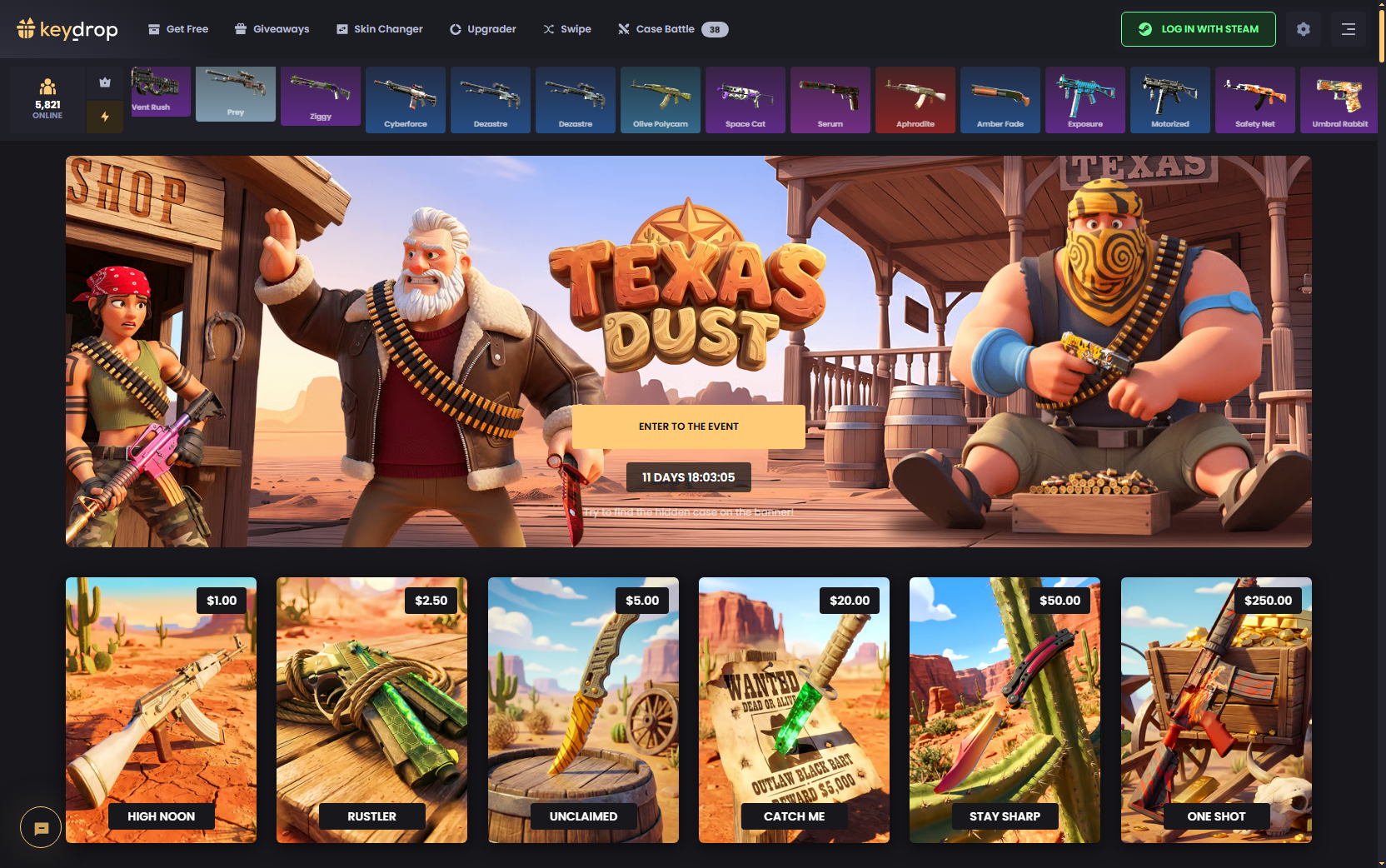
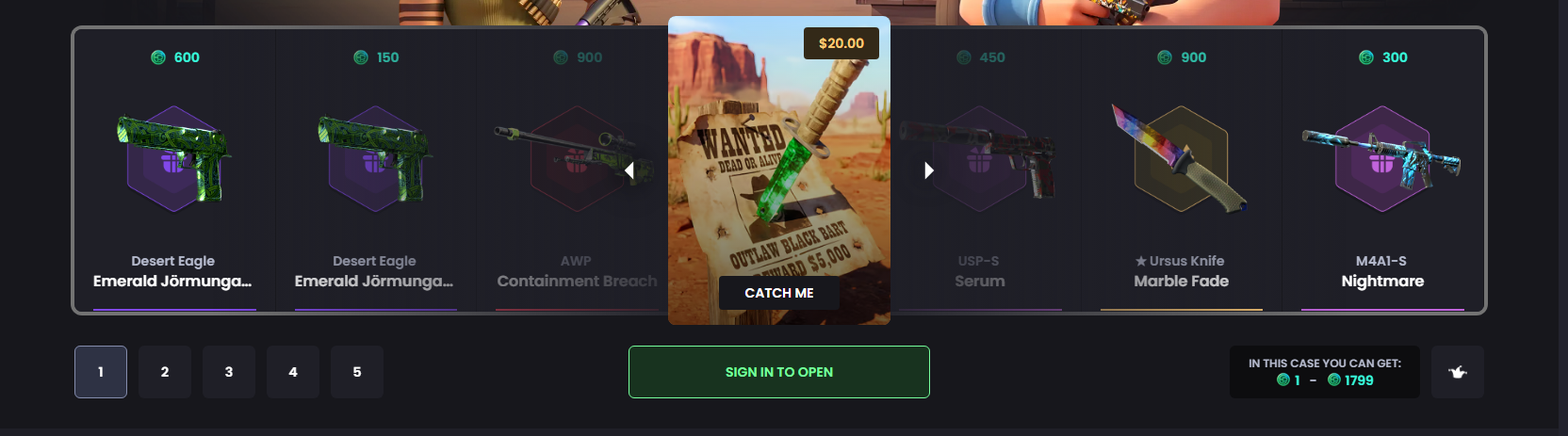
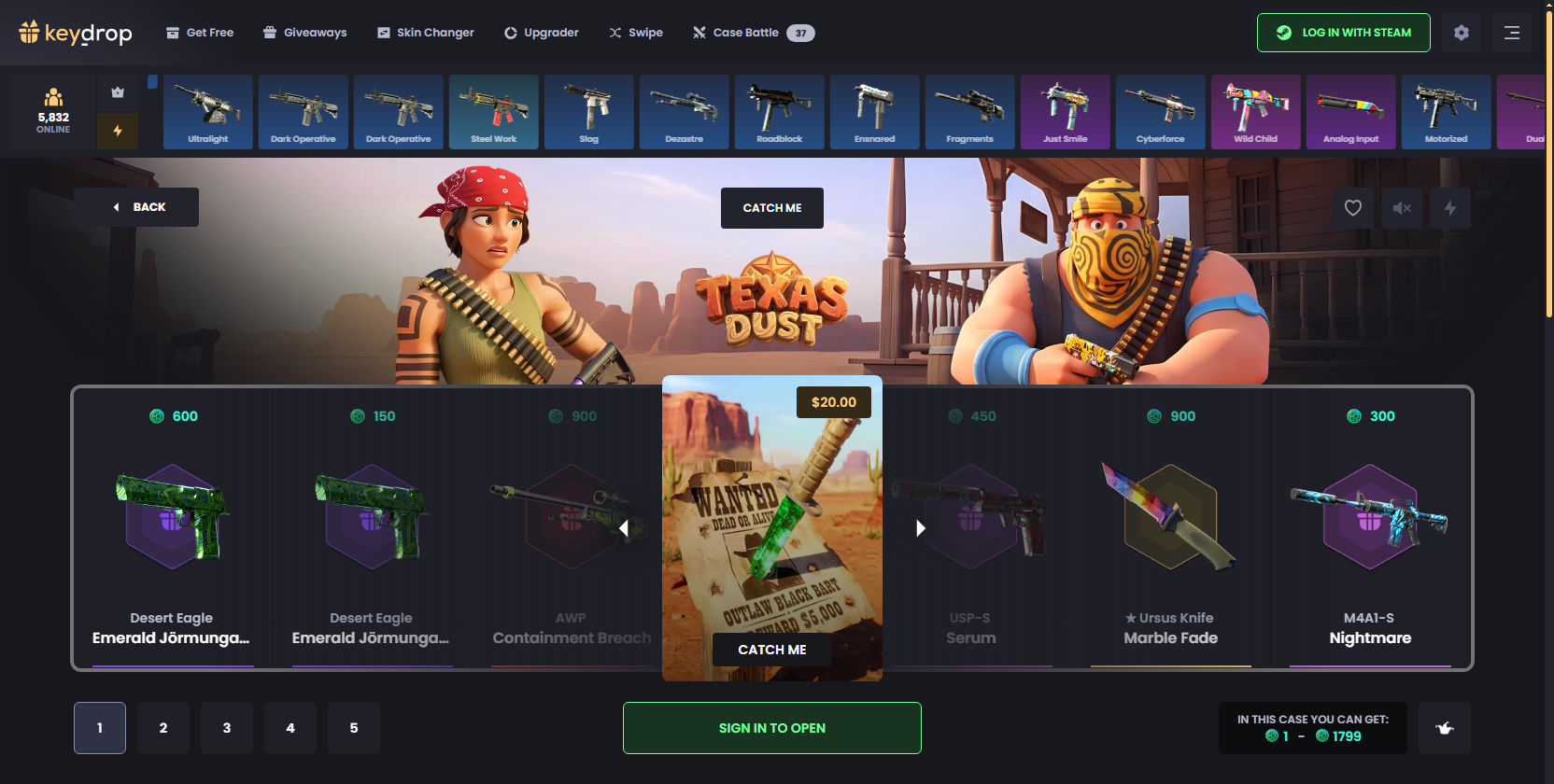
Before opening, players can see which items are included and the displayed probability for each. A case may hold skins worth more than its opening price, but it can also return an item worth less. Paying more does not guarantee a more valuable result.
KeyDrop CS2 case opening is separate from Case Battles, Daily Cases, and Upgrader. These modes follow different rules and have their own pages.
How to Open Cases on KeyDrop
Opening a case on KeyDrop takes a few steps. Available cases and prices can change, so check the selected case page before paying for an opening.
1. Sign In to KeyDrop
Open KeyDrop and sign in with the Steam account you want to use. Once logged in, you can access your balance, inventory, and the platform features available to your account. Steam authentication is one of the ways we secure access to KeyDrop accounts and platform features.
2. Choose a CS2 Case
Browse the KeyDrop cases available on the site and open the page for the one you want to look at. Prices vary between cases, so use the amount displayed on the case page rather than an older price from a review, video, or screenshot.
3. Check the Price and Possible Drops
Before opening, review the cost of one opening and look through the skins included in the case. The page also shows the possible drops and their displayed probabilities, letting you see what the case can contain before spending your balance.
4. Open the Case
When you are ready, use the opening control shown on the selected case page. The opening charges the case price and produces one item from the available pool.
Because the outcome is based on chance, the received skin may have a displayed value below or above the amount paid for the case.
5. Check the Result
Once the opening finishes, the received skin appears as the result and goes into your KeyDrop inventory. From there, you can review the item and decide what to do with it next.
6. Choose the Next Action
A skin does not have to be withdrawn immediately. Depending on the available options, you can keep it in the inventory, sell it for account balance, collect an eligible skin through Steam, or use it in supported KeyDrop features.
What Can You Check Before Opening a KeyDrop Case?
A case page gives you several details to review before using your balance. The opening price is only one part of the picture: you can also see which skins are included, their displayed values, and the odds attached to each possible drop.
This makes it easier to compare cases before opening, without assuming a higher price means a better result.
| Case Information | What to Check |
|---|---|
| Case price | Cost of one opening |
| Possible drops | Skins included in the case pool |
| Item values | Displayed values of the possible drops |
| Drop probabilities | Odds shown for each possible item |
Go over these figures directly on the selected case page, because case contents, prices, and displayed values can change.
How Do KeyDrop Case Odds and Results Work?
KeyDrop shows the items available in each case together with their drop probabilities. Players can compare these percentages before opening and see how likely each listed skin is to appear.
An expensive knife, glove, or weapon skin may be part of the pool while still having a much lower probability than other items in the same case. A low percentage simply means the item is less likely to drop.
Displayed drop probabilities show how likely each listed item is to appear, but they do not guarantee a particular result or item value.
What Happens After You Open a KeyDrop Case?
After a skin is received, it stays in the KeyDrop inventory until you take another action or its storage period expires. From there, you have several options:
- Sell the skin. You can sell it immediately after receiving it or later from your inventory. The item is exchanged for funds added to your KeyDrop account balance, and the sale cannot be reversed.
- Collect it through Steam. Eligible skins can be withdrawn through a Steam trade using the Collect option. If the withdrawal can proceed, KeyDrop sends a trade offer to the user. See our withdraw guide for requirements.
- Use it in other KeyDrop features. KeyDrop Upgrader lets you use one or more skins for a chance to receive a higher-value skin. Skin Changer allows eligible skins won on the platform to be exchanged for other available items.
- Keep it in your inventory. KeyDrop applies its Price Freeze system to stored skins. The value is recorded when you receive the item and stays fixed while it remains in your inventory, even if the external market price changes.
Items can remain in the inventory for up to 90 days. If you take no qualifying action during that period, KeyDrop states that the skin is automatically sold and its recorded value is added to your account balance.
KeyDrop Case Opening vs Other Game Modes
Standard case opening is only one way to receive skins on the platform. Case Battles, Daily Cases, and Upgrader work differently from a regular paid case opening.
| Mode | How It Works |
|---|---|
| Case Opening | Open a selected case and receive one of its possible items |
| Daily / Free Cases | Open reward cases available through Daily Cases and Leveling |
| Case Battles | Compete with other players through a series of openings under selected battle rules |
| Upgrader | Use one or more skins for a chance to receive a higher-value skin |
KeyDrop Case Battles use a multiplayer format, where players compete through a series of openings under the selected battle rules.
Can You Open Free Cases on KeyDrop?
Yes. KeyDrop offers Daily Cases through its Leveling system. Players earn Level XP through supported activity on the platform, and reaching higher levels unlocks access to more daily cases.
These reward cases are separate from standard paid openings. Their requirements, progression, and rewards live on the KeyDrop Free Cases page rather than the main case-opening page.